










Digital Qualitative Made Smarter, Faster, and Easier

Powerful Technology
Get closer to your target audiences with online qualitative research and meet a multitude of objectives. Our proprietary suite of intuitive ResTech solutions makes it easy to connect, engage, listen, elicit insights, and share the voice of the customer.

Digital Qual Expertise
Tap into decades of online research qualitative experience and the specialized knowledge of our digital team. Our team serves as an extension of yours, providing unparalleled support and a commitment to your success so you can focus on the research outcomes.

Specialized Recruitment
Vast, deeply profiled panels blended with diverse recruitment approaches specifically for digital qual give you access to respondents in broad and niche markets. Our array of techniques help target participants who are confident engaging online.
Our Digital Qualitative Approaches

Online Discussions
QualBoard® delivers advanced online discussion technology, bringing multiple approaches together into one easy solution. Participants take part on their schedule, engaging in a variety of activities so you can deliver clarity and depth of insights.

Web-Enabled Focus Groups & IDIs
Expand your reach and increase your speed to market. QualMeeting®, our real-time interview solution for virtual focus groups and IDIs, combines the reassurance of visual and audio signals of in-person interactions with the convenience and reach of online.
Global Solutions
The answers to your questions may not always be close to home.
At Sago, we provide global reach and diversity for your digital qualitative recruitment and project management through our teams in Europe and through our trusted network of strategic partners to allow for better insights worldwide.

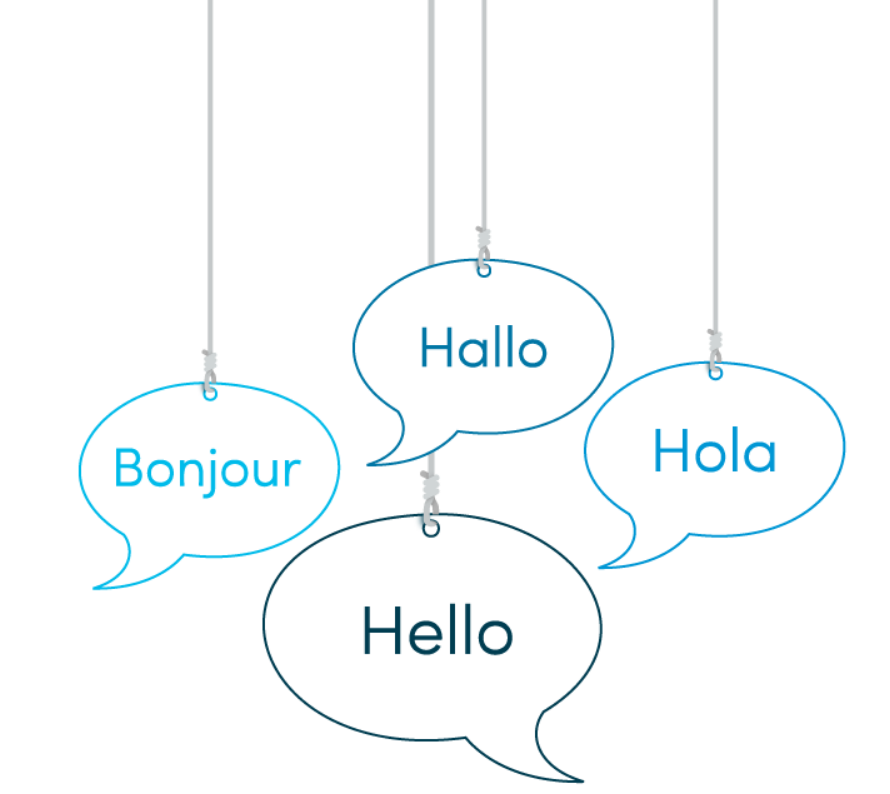
Local Language Platform Support for Peace of Mind
Ease of access, platform confidence and a positive session experience are all critical to your research success. Our industry-leading online qualitative solutions include local European language technical support. The comprehensive service includes moderator training and set-up, respondent tech checks and troubleshooting.
Languages supported across the USA and Globally: English (24 hours, 7 days)
Languages supported locally in Europe: English, German, French, Spanish (8am–midnight, local time, 7 days)